
Bend program
Safety

Safety mode
Range |
Normal, Field Mute, Tray |
Default |
Normal |
Units |
|
Access |
Administrator |
Function
Default value for lazerSafe safety method.
Description
NA
Force

Air bend force factor
Range |
0.1 to 5 |
Default |
1 |
Units |
|
Access |
Administrator |
Function
Factor by which calculated force should be multiplied for air bending.
Description
NA
Hemming factor
Range |
0.1 to 10 |
Default |
2.5 |
Units |
|
Access |
Administrator |
Function
Factor by which calculated force should be multiplied for bottoming and hem bending method.
Description
NA
Deflection
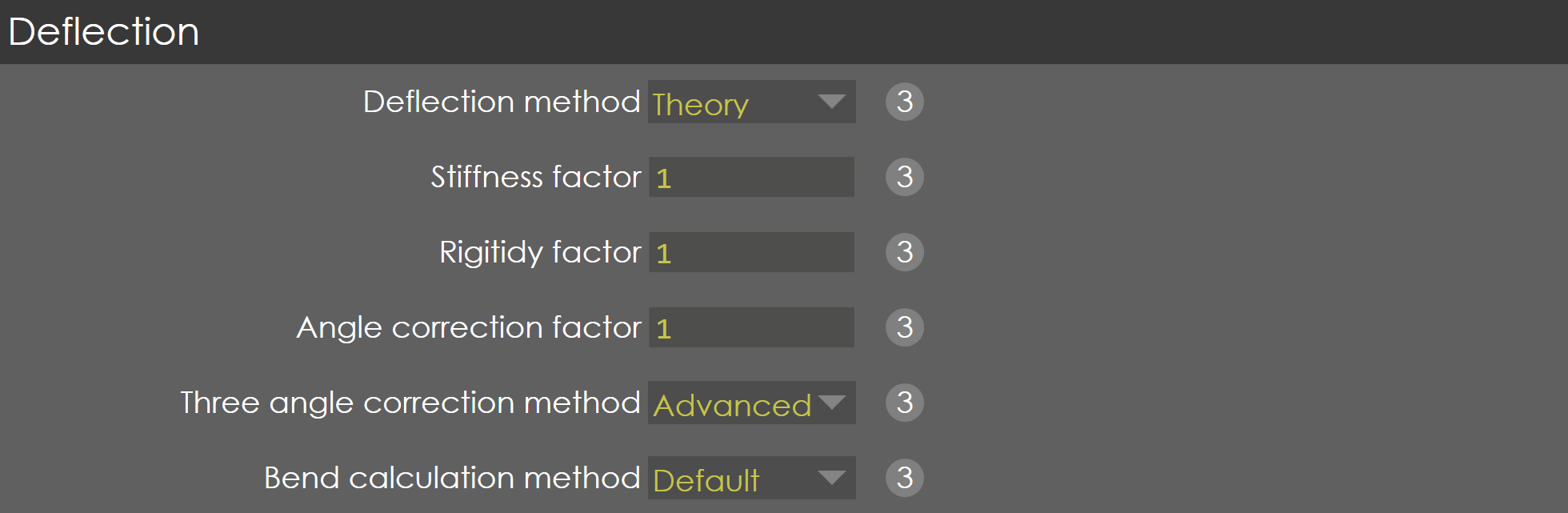
Deflection method
Range |
Linear /Calibration /Theory |
Default |
Theory |
Units |
|
Access |
Administrator |
Function
This parameter is used to select the method used for deflection computation.
-
If calibration is selected, deflection is derived from deflection table and deflection factor set.
-
If theory is selected, deflection value is calculated theoretically using stiffness and rigidity factor.
-
If linear is selected, deflection is computed using stiffness of frame and relaxation stiffness values in machine parameter (General parameters → Machine tab).
Description
NA
Stiffness factor
Range |
0.1 to 20 |
Default |
1 |
Units |
|
Access |
Administrator |
Function
Stiffness factor considered while calculating beam deflection. Changing this parameter will greatly influence bending depth calculation.
NoTE: This parameter is visible only when Theory option is selected in calibration method.
Description
NA
Rigidity factor
Range |
0.1 to 20 |
Default |
1 |
Units |
|
Access |
Administrator |
Function
Rigidity factor considered while calculating beam deflection. Changing this parameter will greatly influence bending depth calculation.
NoTE: This parameter is visible only when Theory option is selected in Deflection method parameter.
Description
NA
Angle correction factor
Range |
0.5 to 1.5 |
Default |
1 |
Units |
|
Access |
Administrator |
Function
While entering angle correction, the difference between desired angle and measured angle is multiplied by this parameter value internally. For example, if angle correction factor is 1.1, desired angle is 90 deg and measured angle is 95 deg, the correction is applied for angle difference of 5.5 deg (5x1.1=5.5).
Description
NA
Three angle correction method
Range |
Basic / Advanced |
Default |
Advanced |
Units |
|
Access |
Administrator |
Function
Selecting Basic does two angle correction and then adjusts crowning. Advanced applies angle correction using parabolic approach. It is recommended to use Basic method for machines with hydraulic crowning.
Description
NA
Bend calculation method
Range |
Default/TBS |
Default |
Default |
Units |
|
Access |
Administrator |
Function
When the Bend calculation method is set to TBS, FluxBend can perform force, bend deduction, spring back, and bend radius calculations inline.
Description
When this parameter is set to TBS, the Bend stroke calculation method parameter is visible.
Bend stroke calculation method
Range |
Default/TBS |
Default |
Default |
Units |
|
Access |
Administrator |
Function
Description
NA
Other settings

Hemming pre-bend angle
Range |
10 to 60 |
Default |
45 |
Units |
° |
Access |
Function
Description
Adjust R axis target by crown aim
Range |
YES / No |
Default |
No |
Units |
|
Access |
Function
Description
Keep Flange height
Range |
YES / No |
Default |
No |
Units |
|
Access |