
Y-Axis Cold Condition Parameters
| In the General parameters → PLC option, if the Cold parameter is set to On, then in the Y-axis Parameters page the following additional parameters are visible. |
-
Fast Closing (cold)
-
Pressing (cold)
-
Decompression(cold)
-
Opening(cold)
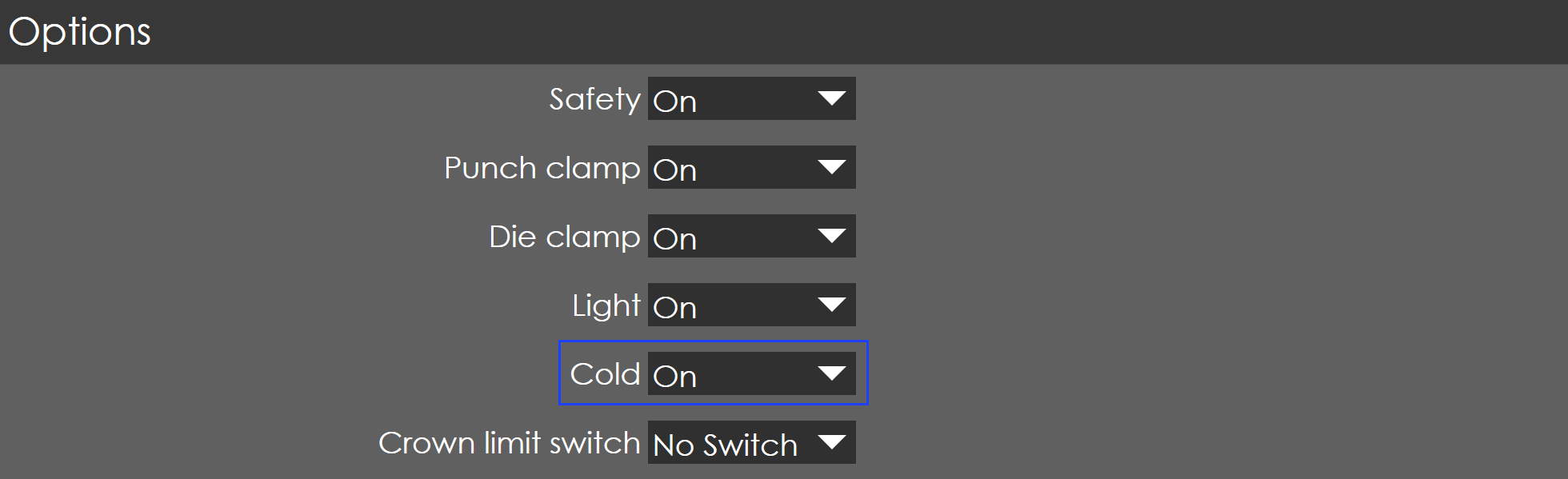
In the PLC option page, if the Cold parameter is set to On, then in the Y-axis Parameters page the following additional parameters are visible.
-
Fast Closing (cold)
-
Pressing (cold)
-
Decompression(cold)
-
Opening(cold)
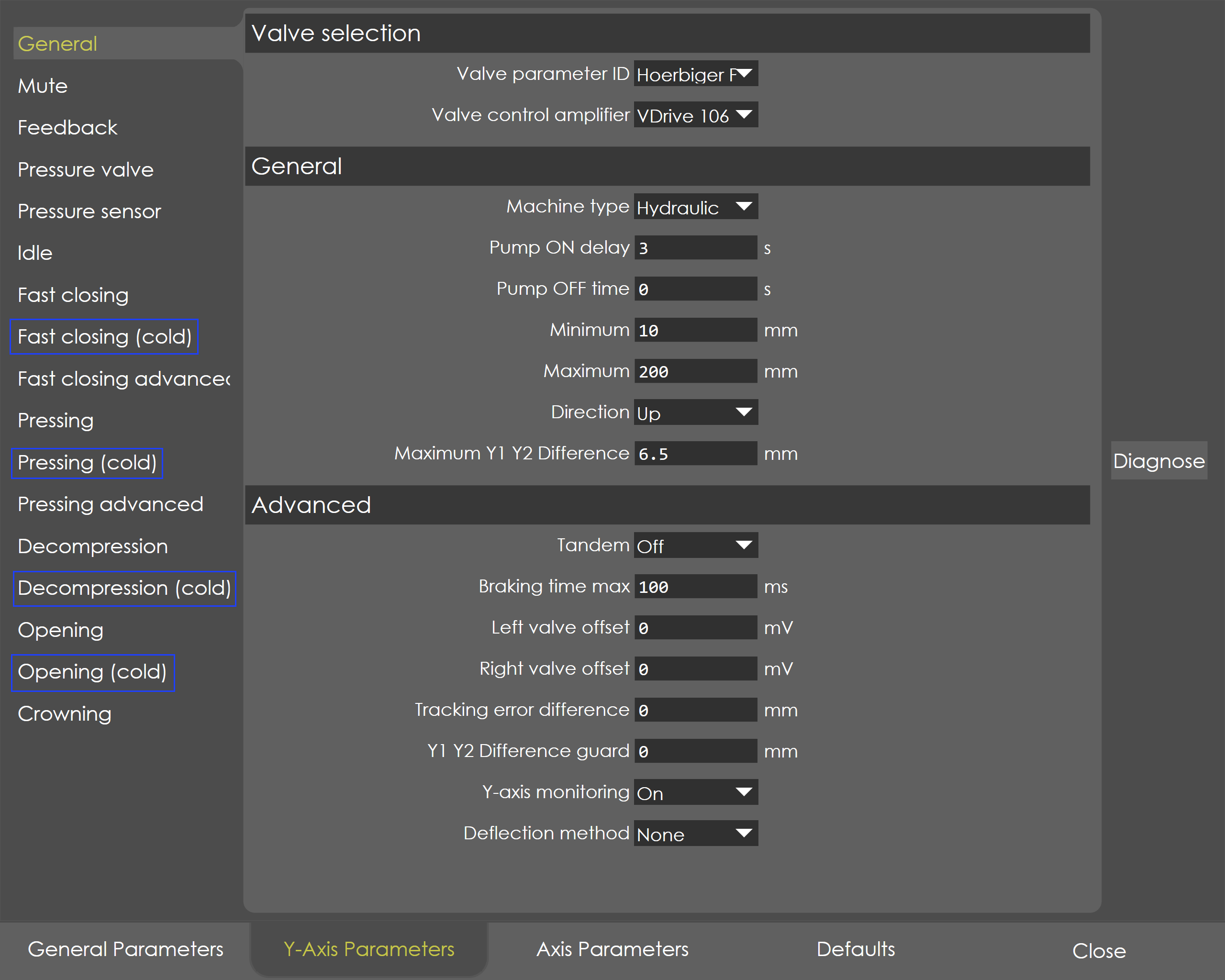
The controller supports two sets of parameter namely warm and cold conditions. The nomenclature of the parameters remains the same in both the conditions, only the default parameters will be varied, especially the default delay time will be more.
Refer to warm condition parameters (default) for detailed description.
Switch between Warm and Cold Parameters
Use the soft key 'Cold mode', the Y-axis parameters can be switched between warm and cold condition.
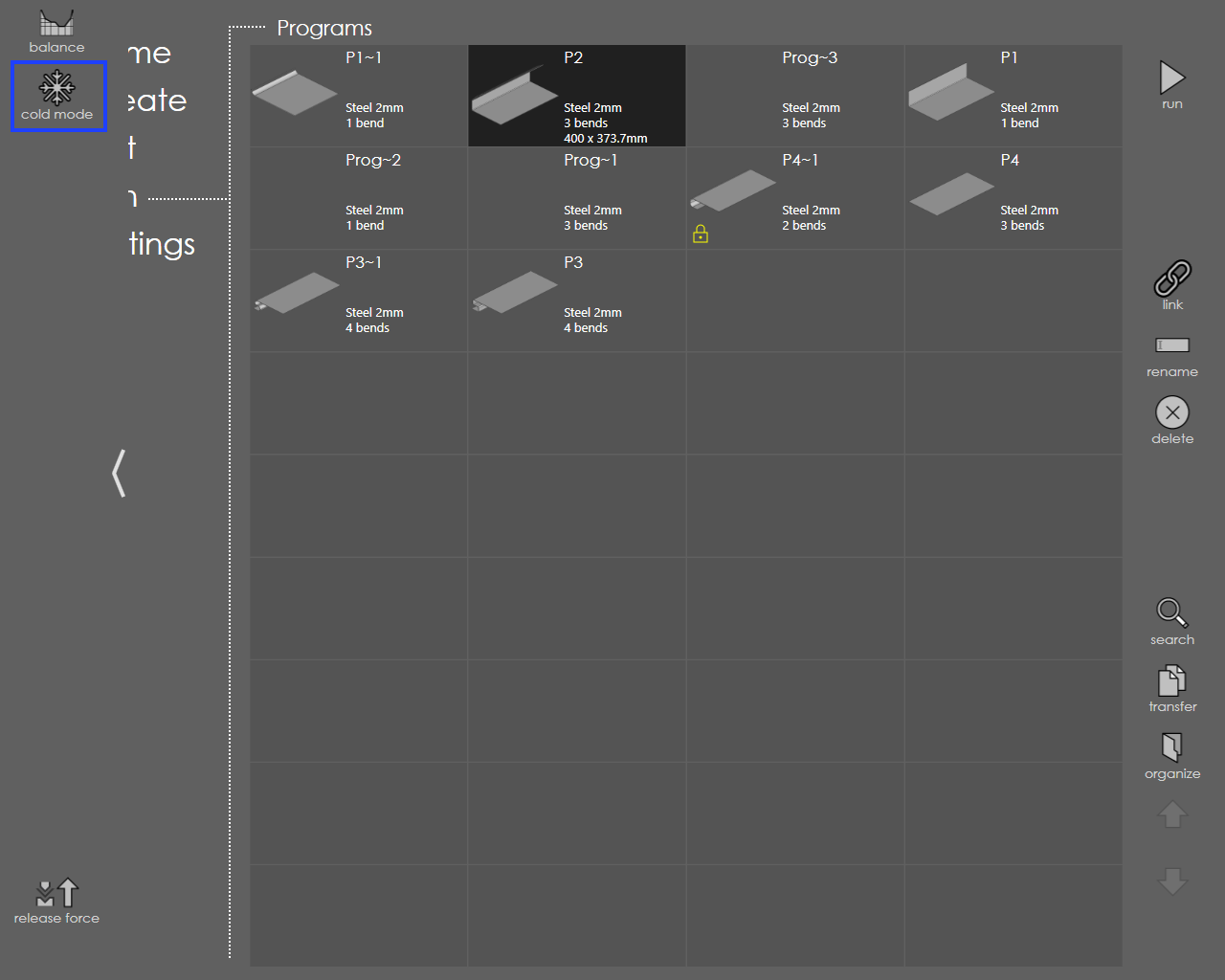
Generally, the cold mode will be in inactive condition and by default the Y-axis warm condition parameters will be active.
| When the temperature control is activated, if the actual temperature is low then the Cold condition parameters are automatically activated, provided that in the PLC options cold mode is ON. |