
Pressing Advanced
Two speed pressing
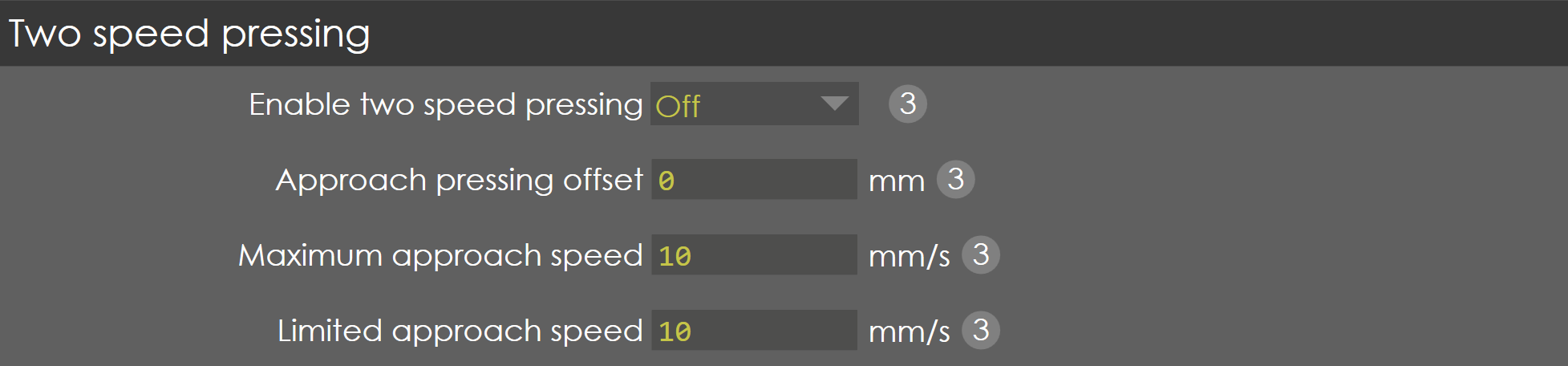
Enable two speed pressing
Range |
ON/OFF |
Default |
ON |
Units |
NA |
Access |
Administrator |
Function
This parameter enables/disables the two-speed pressing option.
Description
When two-speed pressing option is enabled, the machine operator has the possibility to program an independent approach speed, from mute to the pinching point, and pressing speed.
| This parameter is not validated. |
Approach pressing offset
Range |
-9.99 to 9.99 |
Default |
0 |
Units |
mm |
Access |
Administrator |
Function
This parameter is not validated.
Description
Limited approach speed
Range |
0-30 |
Default |
10 |
Units |
mm/s |
Access |
Administrator |
Function
This parameter defines the maximum travel speed of the Y-axis between the mute point and the pinching point.
Description
This is the maximum speed the machine operator can program for the movement from the mute point to the pinching point.
| This parameter is not validated. |
Maximum approach speed
Range |
0-30 |
Default |
10 |
Units |
mm/s |
Access |
Administrator |
Function
This parameter is not validated.
Description
Positioning

Positioning strategy
Range |
1 to 3 |
Default |
1 |
Units |
NA |
Access |
Administrator |
Function
This parameter is not validated.
Description
Wait at pinching point
Range |
0-9999 |
Default |
0 |
Units |
ms |
Access |
Administrator |
Function
This parameter is not validated.